![Top 14 AI Tools for Research in 2026 [Save 50% Time]](/_next/image?url=https%3A%2F%2Fcdn.sanity.io%2Fimages%2Fjtvssola%2Fproduction%2F9c2af606a1789bd91b8d3216320aad66e73947ef-7680x4320.png&w=3840&q=75)
How I Evaluated the Best AI Research Tools
I did not select these tools because they produce polished answers or appear on popular software lists. I compared them based on how useful they are during a real research workflow.
Source transparency was one of my main priorities. I looked for tools that link their answers to original websites, papers or uploaded documents. I also checked how easily a user can trace a claim back to the source behind it.
Next, I considered research depth. Some AI tools perform well when answering a simple question but become less reliable during a complex investigation. I reviewed how each platform handles long documents, follow-up questions and topics that require evidence from several sources.
These were the main criteria I used:
- Accuracy: I checked whether key claims matched the cited material.
- Paper discovery: I compared how easily each tool finds relevant academic studies.
- Citation support: I looked at whether references are visible and easy to verify.
- Document analysis: I considered support for PDFs, reports, notes and uploaded files.
- Literature reviews: I reviewed features for screening papers, extracting evidence and comparing studies.
- Research organisation: I looked for collections, saved papers, citation maps and alerts.
- Ease of use: I considered how quickly a new user could complete a useful research task.
- Free-plan value: I checked whether the free version offers enough access for meaningful use.
- Pricing: I compared paid features with usage limits and subscription costs.
- Privacy: I reviewed the available information about uploaded files and confidential research data.
I also considered the intended user. A PhD researcher may need detailed citation mapping and paper screening. A business researcher may prefer current web sources and structured reports. Students often benefit from tools that explain difficult papers in simpler language.
I did not rank a tool highly because of one impressive feature. I gave stronger positions to platforms that solve a clear research problem and make it easier to verify the final output.
Quick Summary of the Best AI Research Tools
AI research tools do not all solve the same problem. Some search the open web and prepare detailed reports. Others work only with academic papers or documents supplied by the user. There are also specialised tools for citation checking, research mapping, paper summaries and academic writing.
The table below compares the 14 tools by their strongest use case. Pricing is shown in US dollars and was checked in July 2026. Subscription costs and free-plan limits can change. Here are the lists of ai tools for research:
| AI Tool | Best For | Primary Research Task | Ideal User | Free Plan | Starting Price | Citation Support | Main Limitation |
|---|---|---|---|---|---|---|---|
| ChatGPT Deep Research | Detailed reports from multiple sources | Web research and report generation | Business researchers, analysts and students | Yes, with limited access | $20/month with ChatGPT Plus | Provides source links and citations | A report can still contain weak sources or incorrect interpretations |
| Perplexity | Fast online research with visible sources | Web search and follow-up questions | Students, writers and market researchers | Yes | $20/month | Inline citations are included in answers | Citation quality depends on the sources selected |
| Gemini Notebook, formerly NotebookLM | Research grounded in uploaded material | PDF, website and note analysis | Students, educators and research teams | Yes | Higher limits require a qualifying Google plan | Answers link back to supplied sources | It cannot provide strong coverage when the notebook contains weak or incomplete material |
| Elicit | Structured literature reviews | Paper search, screening and evidence extraction | Academic researchers and review teams | Yes | $11/month when billed annually | Claims can be traced to papers and supporting text | Advanced systematic-review features require a higher plan |
| Consensus | Quick answers based on scientific studies | Evidence search and study synthesis | Students, clinicians and evidence-led writers | Yes | $20/month or $144/year | Answers reference the papers used | It is better for focused questions than complete systematic reviews |
| Scite | Checking how research has been cited | Citation validation and claim checking | Researchers, editors and academic writers | Limited access or trial | Paid price not clearly displayed publicly | Smart Citations show supporting, contrasting and mentioning contexts | Citation classifications still need to be checked against the original text |
| SciSpace | Reading and comparing academic papers | Literature reviews, PDF analysis and research writing | Students and academic researchers | Yes | $12/month when billed annually | Research answers and writing features include cited sources | Its credit system can restrict frequent or complex Agent tasks |
| ResearchRabbit | Discovering papers through citation networks | Paper mapping and related-study discovery | Postgraduate students and long-term research teams | Yes | $10/month for ResearchRabbit+ | Shows references and papers that cite a study | It helps users find literature but does not replace full evidence synthesis |
| Connected Papers | Exploring a field from one important paper | Visual similarity mapping | Researchers starting with a strong seed paper | Yes, with five graphs per month | Paid price varies by account type | Links users to the papers within each graph | Results depend heavily on the quality and relevance of the seed paper |
| Semantic Scholar | Free academic-paper discovery | Scientific search and citation tracking | Students and researchers on a limited budget | Yes | Free | Displays citations, references and available paper links | Some full papers remain behind publisher paywalls |
| Litmaps | Visual literature mapping and research alerts | Paper discovery, monitoring and citation mapping | Researchers following a topic over time | Yes | $10/month for eligible academic users | Maps papers through their citation relationships | Advanced features and unlimited inputs require a paid plan |
| Scholarcy | Summarising long research papers | Paper screening and structured summaries | Students and researchers with heavy reading lists | Yes, with strict limits | Paid price not clearly displayed publicly | Extracts references and can create bibliographies | A condensed summary may leave out important methods or limitations |
| Paperpal | Improving academic writing | Editing, citation support and submission checks | Researchers preparing papers for submission | Yes | $12/month when billed annually | Includes citation discovery and citation checks | It supports writing more than primary research or evidence mapping |
| R Discovery | Personalised research recommendations | Paper discovery, reading and topic monitoring | Researchers who need regular literature updates | Yes | $72/year for Prime | Ask R Discovery provides answers backed by research papers | It offers less visual citation mapping than specialist mapping tools |
Detailed Breakdown: Top 14 AI Tools for Research in 2026
The comparison table gives a quick overview, but each tool performs differently once it becomes part of a real research workflow. In this section, I share how each platform works, where it saves time and what limitations I noticed.
I also compare pricing, citation support and ideal use cases. This should make it easier to choose a tool based on the type of research you do. Here are 14 AI tools for research:
1. ChatGPT Deep Research — Best for Detailed Multi-Source Reports
Quick facts
- Developer: OpenAI
- OpenAI founded: 2015
- Company age: More than 10 years
- Co-founder and CEO: Sam Altman
- Registered office: San Francisco, California, United States
- Deep Research launched: 2 February 2025
- Product age: Around 18 months as of July 2026
- Best for: Market research, competitor analysis, policy research and detailed comparisons
- Typical completion time: Around 5–30 minutes for a complex report
- Source coverage: Can analyse hundreds of online sources
- Supported research material: Websites, PDFs, images, spreadsheets and uploaded files
- Citation support: Yes
- Research process: Multi-step web browsing, analysis and source synthesis
- Free access: Available with limited usage
- ChatGPT Plus price: $20 per month
- Paid-plan benefit: Plus provides expanded Deep Research access
- Humanity’s Last Exam score: 26.6% accuracy at launch
- Humanity’s Last Exam size: More than 3,000 questions across over 100 subjects
- GAIA benchmark score: 67.36% average pass@1
- GAIA Level 1 score: 74.29%
- GAIA Level 2 score: 69.06%
- GAIA Level 3 score: 47.60%
- Security standards: TLS 1.2 encryption in transit and AES-256 encryption at rest
- Main limitation: A well-written report can still include weak sources or incorrect interpretations
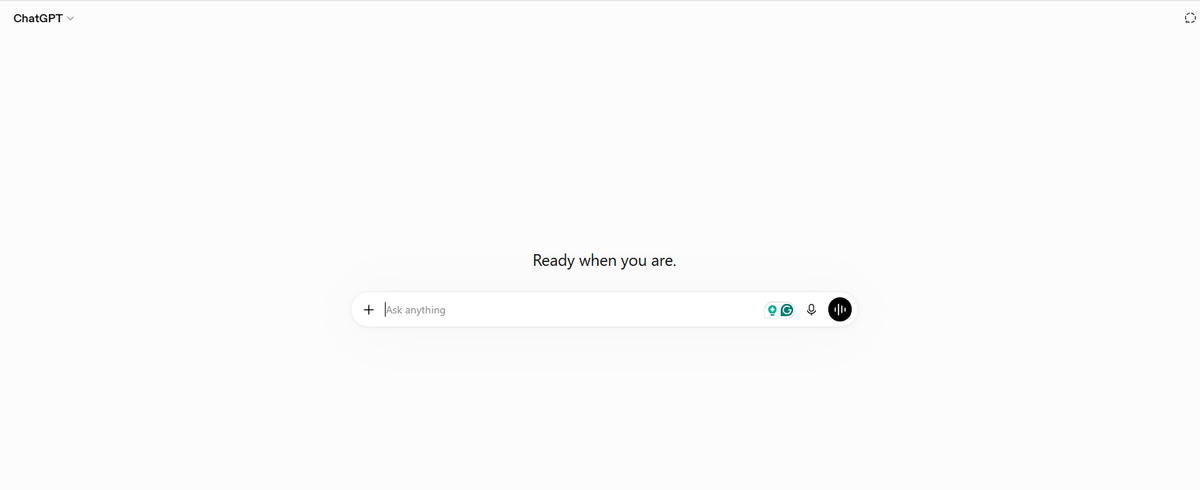
OpenAI launched Deep Research on 2 February 2025. The company describes it as an agentic research capability that can search, analyse and combine information from hundreds of online sources. OpenAI says a complex investigation may take between 5 and 30 minutes.
I consider ChatGPT Deep Research most useful when a question cannot be answered through one search. It can move between websites, inspect uploaded documents and build a structured report with citations. I would use it for competitor comparisons, market analysis and topics where evidence is spread across many sources.
Its benchmark results also show why accuracy needs context. The launch model scored 26.6% on Humanity’s Last Exam and 67.36% on GAIA. These are test results rather than a guarantee that 67.36% of every report will be correct.
The free ChatGPT plan includes limited Deep Research access. ChatGPT Plus costs $20 per month and provides expanded access.
I would still verify statistics, quotations and major conclusions manually. Deep Research saves time during discovery and synthesis, but it should not become the final authority for an academic paper or professional report.
2. Perplexity — Best for Fast Web Research With Citations
Quick facts
- Website: perplexity.ai
- Company founded: 2022
- Founders: Aravind Srinivas, Denis Yarats, Johnny Ho and Andy Konwinski
- Headquarters: San Francisco, California
- Registered address: 115 Sansome Street, Suite 900, San Francisco
- Company size: 201–500 employees
- Weekly usage: More than 150 million questions
- Deep Research launched: 14 February 2025
- Typical Deep Research time: Around 2–4 minutes
- Research depth: Dozens of searches across hundreds of sources
- Best for: Current web research, source discovery and quick comparisons
- Free plan: Yes
- Free-plan limits: Limited Pro Searches and file uploads
- Perplexity Pro: $20 per month or $200 per year
- Education Pro: $10 per month
- Perplexity Max: $200 per month or $2,000 per year
- Project upload limit: Up to 50 files for Pro users
- Citation support: Yes
- Pro citation volume: Up to 10 times more citations than basic answers
- DRACO benchmark size: 100 research tasks across 10 domains
- Vendor-reported DRACO score: 70.5 normalised score
- Vendor-reported DRACO pass rate: 72.8%
- Average DRACO completion time: 245.3 seconds
- Main limitation: A cited answer can still rely on a weak or unsuitable source
Perplexity was founded in 2022 by four people with backgrounds in artificial intelligence and machine learning. The company is based in San Francisco. Its LinkedIn company profile reports more than 150 million questions per week.
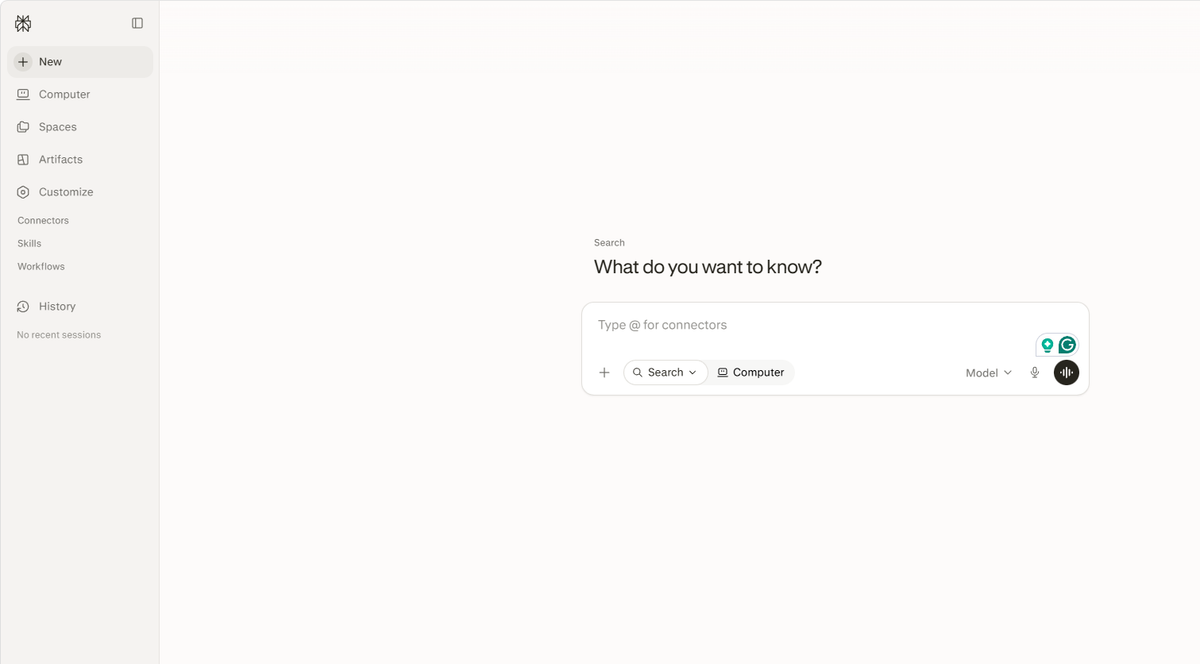
I have used Perplexity when I needed to understand a topic quickly and wanted to inspect the evidence at the same time. It usually feels closer to a search engine than a conventional chatbot. Each answer includes source links. I can then ask follow-up questions without rebuilding the search from the beginning.
Its Deep Research mode is useful for comparisons that require information from several websites. Perplexity says it conducts dozens of searches and reads hundreds of sources before producing a report. A typical report takes around two to four minutes.
Perplexity reported a 70.5 score and a 72.8% pass rate on its own DRACO benchmark. That test covered 100 tasks across 10 domains. I would treat this as useful performance evidence rather than a universal accuracy percentage because Perplexity created and ran the benchmark itself.
For me, its biggest strength is speed. The weakness is source selection. A citation proves where a claim came from but does not prove that the source is reliable.
3. Gemini Notebook — Best for Researching Your Own Sources
Quick facts
- Current product name: Gemini Notebook
- Previous name: NotebookLM
- Developer: Google
- Google founded: 1998
- Google founders: Larry Page and Sergey Brin
- Google headquarters: Mountain View, California
- Original internal name: Project Tailwind
- Development started: Mid-2022
- First announced: Google I/O in May 2023
- NotebookLM released: 12 July 2023
- Renamed Gemini Notebook: July 2026
- Product age: Around three years
- Best for: Analysing PDFs, websites, reports and personal notes
- Free plan: Yes
- Free notebooks: Up to 100 per user
- Free sources: Up to 50 sources per notebook
- Free chat limit: 50 queries per day
- Free Audio Overviews: Three per day
- Free Video Overviews: Three per day
- Free reports: 10 per day
- Free Deep Research allowance: 10 reports per month
- Google AI Pro: $19.99 per month
- Google AI Ultra: Starts at $99.99 per month
- Google AI Pro storage: 5 TB
- Google AI Ultra storage: 20 TB
- Citation support: Inline links to the supplied source material
- Published accuracy level: No single Notebook-specific accuracy percentage
- Main limitation: Its answer quality depends on the sources added to the notebook
Google began developing the product in mid-2022 under the name Project Tailwind. The first version was built in about six weeks. It appeared at Google I/O in May 2023 before launching as NotebookLM on 12 July 2023. Google renamed it Gemini Notebook in July 2026. Existing notebooks remained available after the change.
I tested Gemini Notebook with several PDFs and web pages from the same project. It was most helpful when I already had a trusted collection of sources. Instead of searching the entire web for every answer, it stayed focused on the material inside my notebook.
The free version supports up to 100 notebooks. Each notebook can contain 50 sources. Users also receive 50 chat queries per day and 10 Deep Research reports per month. Higher Google AI plans increase those limits.
I also like that its answers point back to the supplied sources. This makes it easier to check a summary against the original paragraph. Google does not publish one universal accuracy score for Gemini Notebook, so I would not attach an unsupported percentage to it.
It works best as a controlled research workspace. It is less useful when the initial source collection is incomplete or biased.
4. Elicit — Best for Structured Literature Reviews
Quick facts
- Website: elicit.com
- Public product development: Active since 2021
- Original organisation: Ought
- Current company structure: Independent public benefit corporation
- Co-founder and CEO: Andreas Stuhlmüller
- Co-founder and COO: Jungwon Byun
- Registered mailing address: Covina, California
- Seed funding: $9 million
- Series A funding: $22 million
- Reported Series A valuation: $100 million
- User base: More than two million researchers
- Academic database: More than 138 million papers
- Clinical-trial coverage: More than 500,000 trials
- Best for: Literature searches, evidence tables and systematic reviews
- Basic plan: Free
- Plus plan: $11 per user each month when billed annually
- Pro plan: $39 per user each month when billed annually
- Scale plan: $89 per user each month when billed annually
- Pro screening capacity: Up to 5,000 papers
- Enterprise screening capacity: Up to 40,000 papers
- Pro report capacity: Up to 135 sources
- Scale report capacity: Up to 200 sources
- Security certification: SOC 2 Type II
- Vendor-reported search recall: 95%
- Vendor-reported abstract-screening result: 97%
- Vendor-reported full-text screening result: 99%
- Vendor-reported extraction result: 96%
- Main limitation: It does not remove the need for a review protocol or human checking
Elicit began within Ought before becoming an independent public benefit corporation. It was co-founded by Andreas Stuhlmüller and Jungwon Byun. The platform now reports more than two million users and searches a database containing over 138 million papers.
I have used Elicit for research questions that required evidence from several academic papers. Its strongest feature was not the chat interface. The useful part was the evidence table. I could create columns for study population, method, sample size and main finding. Elicit then extracted those details across multiple papers.
The free plan includes paper search, summaries and conversations with full-text papers. Paid plans increase the number of papers that can be screened. Pro supports up to 5,000 papers while enterprise plans can screen as many as 40,000.
In a vendor-run evaluation based on Cochrane reviews, Elicit reported 95% search recall, 97% abstract-screening performance, 99% full-text screening and 96% extraction performance. These figures are promising but should not be treated as guaranteed accuracy for every discipline or review question.
I would choose Elicit for structured evidence work. I would not use it as the only database for a publishable systematic review.
5. Consensus — Best for Evidence-Based Research Questions
Quick facts
- Website: consensus.app
- Company founded: 2021
- Founders: Eric Olson and Christian Salem
- Original structure: Remote-first company
- Current company base: San Francisco, California
- Product announced: 8 February 2022
- Initial beta period: 2022
- Research database: More than 220 million academic papers
- Primary databases: Semantic Scholar, OpenAlex and Consensus indexing
- Search technology: Semantic search combined with BM25 keyword matching
- Best for: Direct answers based on peer-reviewed studies
- Free plan: Yes
- Free paper searches: Unlimited
- Free Pro messages: 15 per month
- Free Deep Reviews: Three per month
- Free Study Snapshots: 10 per month
- Pro plan: $20 per month
- Annual Pro plan: $144 per year
- Effective annual Pro cost: $12 per month
- Deep plan: $65 per month
- Annual Deep plan: $540 per year
- Effective annual Deep cost: $45 per month
- Pro Deep Reviews: 15 per month
- Deep-plan reviews: 200 per month
- Free comparison table: Three papers per query
- Pro comparison table: 20 papers per query
- Deep comparison table: 50 papers per query
- Translation support: 31 languages
- Citation support: Yes
- Published accuracy level: No universal end-to-end accuracy percentage
- Main limitation: A short evidence summary can hide disagreement between studies
Consensus was founded in 2021 by Eric Olson and Christian Salem. The product was publicly introduced in February 2022. The company began as a remote-first team and later established a base in San Francisco.
I tested Consensus with narrow research questions such as whether an intervention produced a measurable outcome. It performed better when the question could be answered through published studies. The interface showed the relevant papers and then prepared a short evidence-based explanation.
Its database contains more than 220 million academic papers. Consensus combines semantic search with traditional keyword matching. This helps it find studies that discuss the same concept without using exactly the same wording.
The free plan includes unlimited basic paper searches. It also provides 15 Pro messages and three Deep Reviews each month. Pro costs $20 monthly or $144 annually. The higher Deep plan raises the Deep Review allowance to 200 per month.
I like Consensus for the first stage of evidence discovery. It gives a faster starting point than manually opening dozens of search results. However, its Consensus Meter and generated summaries should not be interpreted as the final position of an entire scientific field. The company also warns that these features are not perfect.
6. Scite — Best for Checking Citation Reliability
Quick facts
- Website: scite.ai
- Company founded: 2018
- Original company base: Brooklyn, New York
- Co-founder: Josh Nicholson
- Acquired by: Research Solutions
- Acquisition completed: 1 December 2023
- Active subscribers at acquisition: Around 21,000
- Annualised subscription value at acquisition: Approximately $3.6 million
- Current indexed material: More than 280 million articles, preprints, books, patents and datasets
- Citation statements: More than 1.6 billion
- Reported user base: More than two million users
- Publisher agreements: More than 30
- Chrome extension users: More than 100,000
- Chrome extension update: 2 July 2026
- Best for: Citation checking and research validation
- Core feature: Smart Citations
- Citation categories: Supporting, contrasting and mentioning
- Free access: Seven-day trial
- Paid plan: Scite Pro
- Institutional pricing: Custom
- Citation support: Yes
- Accuracy display: Confidence is shown for individual citation classifications
- Published product accuracy: No single universal accuracy percentage
- Current parent-company contact: Henderson, Nevada
- Main limitation: Automated citation classifications can miss scientific context
Scite was founded in Brooklyn in 2018. Josh Nicholson was one of its founders. Research Solutions acquired the company in December 2023. At that point, Scite had around 21,000 active subscribers and approximately $3.6 million in annualised subscription value.
I use Scite after finding an important paper rather than at the beginning of the search. A normal citation count only shows how many later papers mentioned a study. Scite adds context by classifying citations as supporting, contrasting or simply mentioning the original work.
The platform now reports more than 280 million indexed research items and over 1.6 billion citation statements. It also reports more than two million users and over 30 publisher agreements.
This can reveal problems that are easy to miss. A highly cited paper may have been challenged repeatedly. Another study may have fewer citations but receive stronger support from later research.
Scite shows a confidence level for individual classifications. It does not publish one accuracy percentage that applies to every Smart Citation. I therefore read the cited paragraph before accepting the label. Scientific disagreement can be subtle. A model may classify the wording correctly while missing a limitation elsewhere in the paper.
For me, Scite is a validation layer. It strengthens a research process but does not replace reading the original studies.
7. SciSpace — Best for End-to-End Academic Research
Quick facts
- Website:
scispace.com - Company: PubGenius Inc.
- Product journey started: 2015
- Product age: Around 11 years
- Founders: Saikiran Chandha and Shanu Kumar
- CEO: Saikiran Chandha
- Official headquarters: Not clearly stated on the current website
- Researcher base: More than 9.6 million
- Research database: More than 280 million papers
- Full-text collection: More than 50 million PDFs
- Database coverage: More than 30 academic databases and repositories
- Best for: Literature reviews, PDF analysis, evidence extraction and academic writing
- Main research tools: Deep Review, Chat with PDF, AI Writer, Notebook and Citation Generator
- Citation styles: More than 9,000
- Free plan: Yes
- Premium plan: $20 per month or $12 per month with annual billing
- Premium Agent credits: 1,200
- Advanced plan: $90 per month or $70 per month with annual billing
- Advanced Agent credits: 10,000
- Max plan: $200 per month or $160 per month with annual billing
- Max Agent credits: 40,000
- Vendor benchmark size: 200 complex research queries
- Average benchmark precision: 0.3995
- Highly relevant results: 26.3 papers per query on average
- Benchmark ranking: Highest precision at 9 of 10 measured search depths
- Published accuracy level: No universal answer-accuracy percentage
- Main limitation: Advanced research tasks consume Agent credits
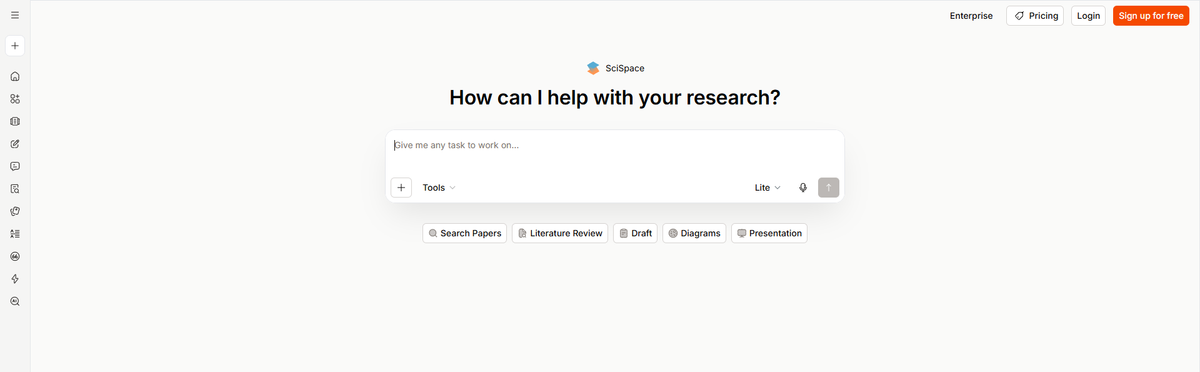
SciSpace began as a research-formatting product. It has since developed into a broader academic workspace. Its current platform searches more than 280 million papers and provides access to over 50 million full-text PDFs.
I found SciSpace most convincing when a project involved several connected tasks. A researcher can discover papers, read PDFs, extract findings and draft cited text without moving between several platforms. This workflow feels more complete than a tool built only for academic search.
SciSpace also published a 2026 benchmark covering 200 complex queries. Deep Review returned 26.3 highly relevant papers per query and achieved an average precision score of 0.3995. It led at 9 of the 10 search depths measured. The results are useful, but SciSpace conducted the benchmark itself. I would not treat them as an independent accuracy guarantee.
Its credit system is the main drawback. A researcher who runs frequent Deep Reviews may need one of the more expensive plans.
8. ResearchRabbit — Best for Exploring Citation Networks
Quick facts
- Website:
researchrabbit.ai - Product developed: 2021
- Product age: Around five years
- Original development team: Three people
- Original development location: Seattle, United States
- Current website operator: Litmap Ltd.
- Founders: Not clearly identified on the current official website
- Research database: More than 310 million articles
- Best for: Citation mapping, related-paper discovery and literature organisation
- Free plan: Free Forever
- Free searches: Unlimited
- Free library and collections: Unlimited
- Free seed-paper limit: Up to 50 papers
- Free collaboration: Collection sharing included
- ResearchRabbit+ annual price: $10 per month
- ResearchRabbit+ monthly price: $12.50 per month
- Annual subscription cost: $120
- Paid seed-paper limit: Up to 300 papers
- Country discounts: Available in more than 100 countries
- Search operators: AND, OR, NOT and exact-match quotation marks
- Keyword-search provider: Google Scholar
- Paid integrity feature: Signals alerts
- Institutional plan: Custom pricing
- Published accuracy level: No universal accuracy benchmark
- Main limitation: It discovers connections but does not produce a complete evidence synthesis
ResearchRabbit was developed in 2021 by a three-person team in Seattle. The current version searches more than 310 million articles. Its free plan includes unlimited searches, collections and library storage. Users can begin a search with as many as 50 seed papers.
I find its visual approach more useful after identifying a few trustworthy papers. The citation map shows how studies connect. It can also reveal clusters that may represent separate methods, schools of thought or research periods.
ResearchRabbit+ increases the seed limit to 300 papers. It also adds advanced controls, separate projects and Signals alerts. The standard price is $12.50 monthly or $120 annually. Country-based discounts may reduce that cost.
A useful 2026 update added Boolean operators. Keyword searches now support AND, OR, NOT and exact phrases. ResearchRabbit says these searches use Google Scholar results.
I would use ResearchRabbit for discovery rather than final analysis. A connection between two papers shows relevance. It does not prove that their methods or conclusions are reliable.
9. Connected Papers — Best for Mapping a Topic From One Seed Paper
Quick facts
- Website:
connectedpapers.com - Public release: 2 June 2020
- Product age: More than six years
- Origin: Weekend side project between friends
- Co-creators: Eddie Smolyansky, Alex and Itay
- Company headquarters: Not publicly stated on the official website
- Research data source: Semantic Scholar Paper Corpus
- Database scale: Hundreds of millions of academic papers
- Starting requirement: One seed or origin paper
- Papers analysed for each graph: Around 50,000
- Papers displayed: A few dozen with the strongest relationships
- Primary similarity methods: Co-citation and bibliographic coupling
- Graph type: Similarity graph rather than a citation tree
- Node size: Represents citation volume
- Node colour: Represents publication year
- Special discovery views: Prior Works and Derivative Works
- Free plan: Five graphs each month
- Academic plan: $6 per month when billed annually
- Academic annual cost: $72
- Business plan: Available for commercial use
- Published accuracy level: No general accuracy percentage
- Main limitation: Results depend heavily on the selected seed paper
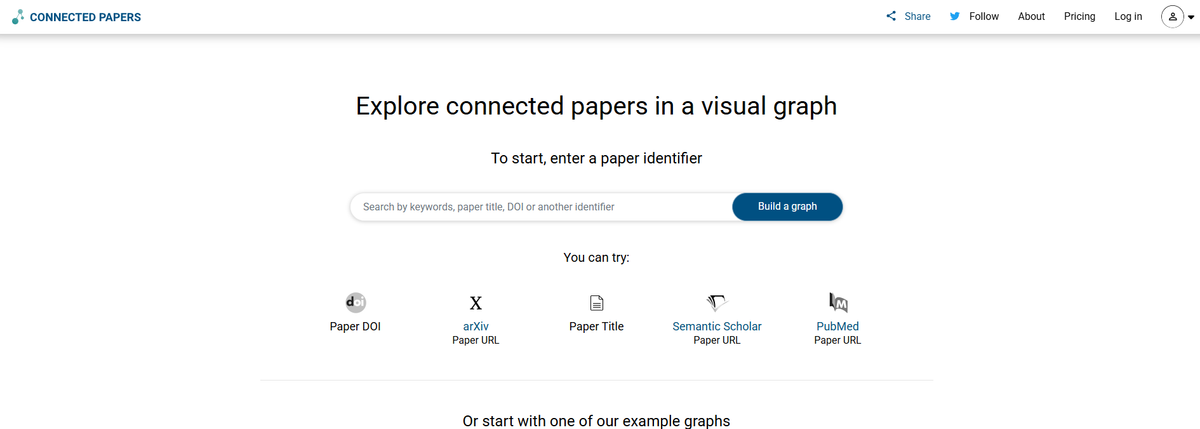
Connected Papers became publicly available on 2 June 2020 after operating as a weekend project between friends. For each graph, the system analyses roughly 50,000 papers. It then displays a few dozen studies with the strongest connections to the origin paper.
The most important detail is that the graph is not a normal citation tree. Connected Papers compares studies through co-citation and bibliographic coupling. Two papers can therefore appear close together even when neither directly cites the other.
I find this approach useful when I already have one strong paper and need a quick view of the surrounding field. The Prior Works view can surface influential older research. Derivative Works points towards newer studies, reviews and meta-analyses.
The free version provides five graphs per month. An academic subscription costs $6 per month when paid annually.
Its focused workflow is also its limitation. A poor seed paper may produce an unhelpful graph. I would repeat the process with several origin papers before deciding that the literature search is complete.
10. Semantic Scholar — Best Free Academic Search Engine
Quick facts
- Website:
semanticscholar.org - Developer: Allen Institute for AI
- Developer founded: 2014
- Developer founder: Paul Allen
- Developer type: Non-profit AI research institute
- Developer headquarters: Seattle, Washington
- Semantic Scholar launched: 2015
- Product age: Around 11 years
- Price: Free
- Indexed papers: More than 200 million
- Fields covered: All scientific disciplines
- Document sources: Publishers, research indexes and web indexing
- Document examples: PubMed, arXiv and Springer Nature
- Documented authors in its 2023 graph: More than 80 million
- Documented citation edges in 2023: More than 2.4 billion
- Account requirement: Not required for basic paper access
- Saved Research Feeds: Up to 10 can be viewed together
- Paper alerts: Available with a free account
- Citation exports: BibTeX, MLA, APA, Chicago and EndNote
- Public API: Yes
- Institutional access: Supports OpenAthens, eduGAIN and InCommon
- Primary language coverage: Mainly English
- Published accuracy level: No general search-accuracy percentage
- AI accuracy warning: Generated features may contain factual errors
- Main limitation: Some papers remain behind publisher paywalls
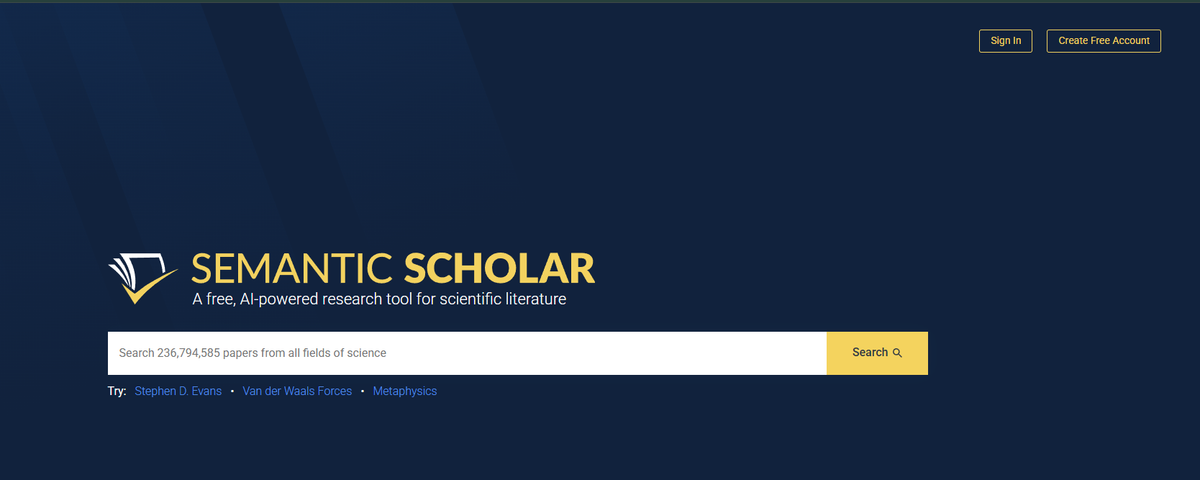
Semantic Scholar is developed by Ai2. The Seattle-based non-profit was founded by Paul Allen in 2014. Semantic Scholar launched one year later and now indexes more than 200 million academic papers.
The platform is free, which is a major advantage for students and independent researchers. I find its search experience cleaner than many traditional academic databases. Paper alerts and personalised Research Feeds also make it useful for following a topic over time.
Its open-data project provides another numerical clue about scale. A 2023 paper documented more than 200 million papers, 80 million authors and 2.4 billion citation edges in the Semantic Scholar Academic Graph. A public API is also available.
I would not call every search result equally reliable. Semantic Scholar itself warns that its generative AI features can produce subtle or serious factual errors. Its coverage also focuses mainly on English-language research. Some full papers remain behind publisher paywalls.
11. Litmaps — Best for Visual Literature Mapping and Alerts
Quick facts
- Website:
litmaps.com - Started: 2016
- Product age: Around 10 years
- Company base: New Zealand
- Co-founder and CEO: Axton Pitt
- Current CEO title: CEO and Managing Director
- Researcher base: More than 350,000
- Countries represented: More than 150
- Research catalogue: More than 270 million papers
- Best for: Citation maps, literature monitoring and research-gap discovery
- Core discovery method: Citation and reference connections
- Search algorithms: Three
- Default algorithm: Shared Citations and References
- Other algorithms: Common Authors and Similar Text
- Free plan: Yes
- Free search inputs: Up to 20
- Free articles per map: Up to 100
- Free alerts: Monthly summary
- Pro academic price: $10 per month with annual billing
- Annual academic cost: $120
- Pro search inputs: Unlimited
- Pro articles: Unlimited
- Pro Litmaps: Unlimited
- Pro alerts: Configurable
- Zotero synchronisation: Available on Pro
- Educational discount: Up to 75%
- Team plan: Custom pricing
- Published accuracy level: No universal accuracy percentage
- Main limitation: Larger maps and advanced monitoring require Pro
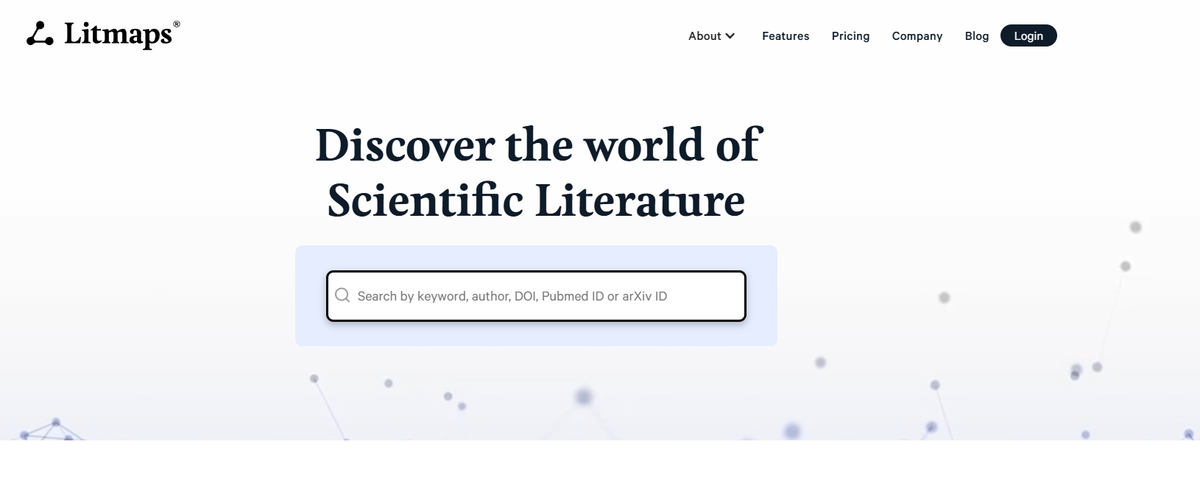
Litmaps started in 2016 and is based in New Zealand. Axton Pitt is its co-founder and current CEO. The company reports more than 350,000 users across over 150 countries. Its catalogue now contains more than 270 million papers.
What I like about Litmaps is the monitoring layer. A citation map is useful during the first literature search, but research continues to change. Litmaps can alert users when new connected papers appear.
The search system offers three algorithms. Users can explore shared citations and references, common authors or similar text. This creates more control than a tool with one fixed recommendation method.
The free plan supports basic search with up to 20 inputs and 100 articles per map. Academic Pro costs $10 per month with annual billing. It removes input, article and map limits. Zotero synchronisation is also a paid feature.
I would choose Litmaps for a research project that lasts several months. Connected Papers feels faster for one seed study. Litmaps is stronger when the literature map needs to grow and remain current.
12. Scholarcy — Best for Turning Long Papers Into Structured Summaries
Quick facts
- Website:
scholarcy.com - Development started: 2018
- Company founded: 2019
- Product age: Around eight years
- Founder and CEO: Phil Gooch
- Co-founder and COO: Emma Warren-Jones
- Headquarters: London, United Kingdom
- Company size: 2–10 employees
- Team presence: Four continents
- Reported user base: More than 600,000 people
- Best for: Paper screening, structured summaries and study notes
- Main output: Interactive Summary Flashcards
- Supported material: Research papers, articles, textbooks, PDFs and videos
- Free plan: Yes
- Free summary allowance: Limited to 10 summaries on the pricing table
- Free trial: Seven days
- Monthly plan: $9.99 per month
- Annual plan: $90 per year
- Annual discount: 25%
- Paid summaries: Unlimited
- Bulk export limit: Up to 100 flashcards at once
- Research organisation: Collections, notes and highlights
- Literature comparison: Literature Matrix
- Bibliography support: One-click bibliography creation
- Browser support: Chrome, Edge and Firefox
- Citation support: Extracts references from uploaded articles
- Published validation: A pilot analysed more than 125 papers across five subject areas
- Published accuracy level: No universal summary-accuracy percentage
- Main limitation: A short flashcard can leave out methodological context
Scholarcy began when Phil Gooch and Emma Warren-Jones started developing a faster way to screen academic papers in 2018. The London company was formally founded in 2019. Its current website reports more than 600,000 users.
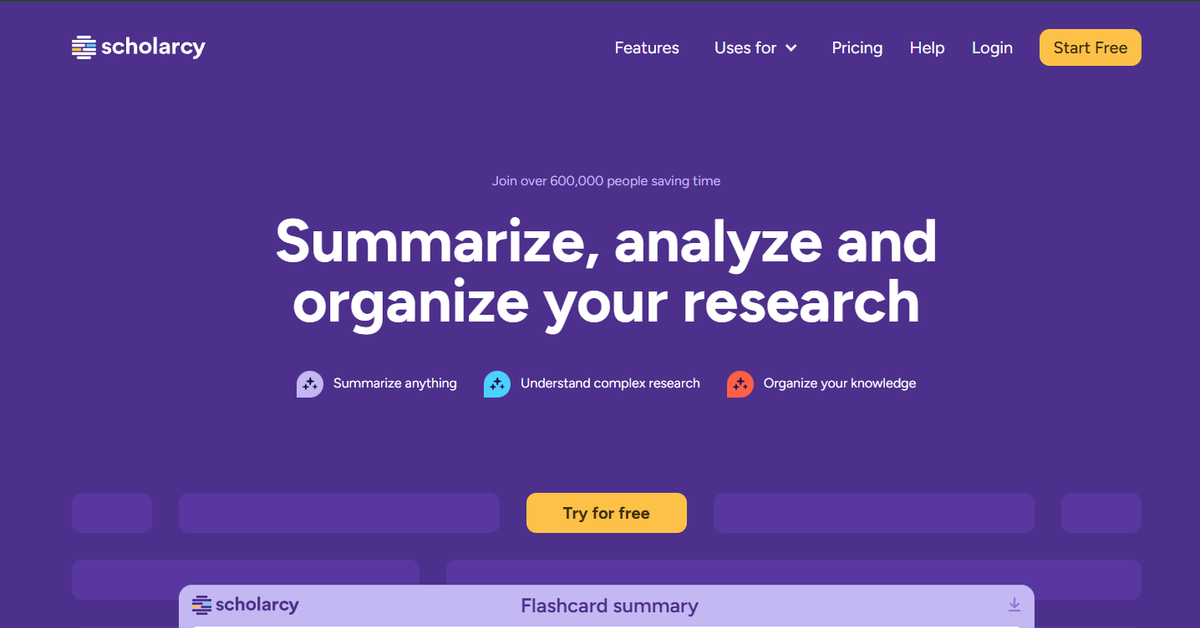
What I find most useful is the structure of its summaries. Scholarcy does not only shorten a document into one paragraph. It separates the key findings, methods, concepts and references into interactive flashcards. I can then decide whether the full paper deserves closer reading.
The free version is suitable for occasional use. Scholarcy Plus costs $9.99 per month or $90 per year. It adds unlimited summaries, enhanced outputs, saved flashcards and bulk exports of up to 100 cards.
Scholarcy says its extraction process focuses on factual traceability. However, it does not publish one accuracy score for the complete product. I would use it to screen reading material. I would still read the original methods and results before citing a paper.
13. Paperpal — Best for Academic Research Writing and Final Checks
Quick facts
- Website:
paperpal.com - Developer: Cactus Communications
- Parent company founded: 2002
- Parent-company founders: Anurag Goel and Abhishek Goel
- Parent-company headquarters: Mumbai, India
- Paperpal Prime launched: December 2022
- Registered operating address: Singapore
- Publishing experience: More than 24 years
- Reported user base: More than five million researchers
- Countries represented: More than 125
- University reach: More than 200 universities
- Journal trust: More than 1,500 journals
- Academic text processed: More than 10 billion words
- Research database: More than 250 million papers
- Citation styles: More than 10,000
- Pre-submission checks: More than 30
- Plagiarism database: More than 99 billion sources
- Open-access research coverage: More than 200 million articles
- Best for: Academic writing, editing, citations and submission checks
- Free plan: Yes
- Prime monthly price: $25
- Prime quarterly price: $55
- Prime annual price: $139
- Free plagiarism allowance: 7,000 words per month
- Prime plagiarism allowance: 10,000 words per month
- Pro plagiarism allowance: 30,000 words per month
- Supported workspaces: Web, Microsoft Word, Google Docs and Overleaf
- Translation support: More than 30 languages
- Vendor plagiarism benchmark: 90% detection accuracy
- Benchmark sample: 20 passages
- AI-detector training data: More than 100,000 scholarly samples
- AI-detector sensitivity: More than 95% sensitivity to human edits
- Security standards: ISO/IEC 27001:2022 and ISO/IEC 42001:2023
- Main limitation: Its strongest features support writing rather than primary evidence discovery
Paperpal is developed by Cactus Communications. Brothers Anurag and Abhishek Goel founded CACTUS in Mumbai in 2002. Paperpal Prime arrived in December 2022. The platform has since grown into a broader research and academic-writing workspace.
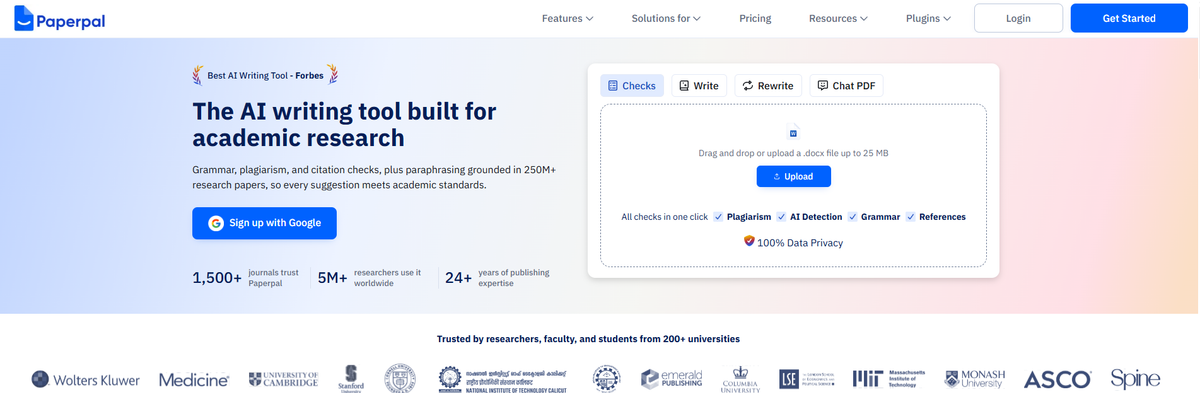
I would choose Paperpal after the main research has been collected. It can help find references, chat with PDFs and improve academic language. The same workspace also checks grammar, plagiarism, citations and submission readiness.
Its scale is one reason it stands apart from a normal grammar checker. Paperpal reports more than five million users. Its research features draw from over 250 million papers. The platform supports more than 10,000 citation styles and over 30 pre-submission checks.
A vendor benchmark reported 90% plagiarism-detection accuracy on 20 test passages. That result relates to the plagiarism feature. It should not be described as 90% accuracy for every Paperpal output.
For me, Paperpal fits the final half of the workflow. It can improve clarity and presentation. It cannot decide whether the research design or conclusion is scientifically sound.
14. R Discovery — Best for Personalised Paper Recommendations
Quick facts
- Website:
discovery.researcher.life - Developer: Cactus Communications
- Parent company founded: 2002
- Parent-company founders: Anurag Goel and Abhishek Goel
- Parent-company origin: Mumbai, India
- R Discovery beta launched: June 2020
- Product age: More than six years
- Reported user base: More than three million researchers
- Geographic reach: More than 190 countries
- Research database: More than 300 million papers
- Earlier documented peer-reviewed coverage: More than 150 million papers
- Earlier documented open-access coverage: More than 40 million papers
- Earlier documented conference papers: More than 10 million
- Earlier documented preprints: More than three million
- Indexed research topics: More than 9.5 million
- Best for: Personalised discovery, research alerts and daily reading
- Main platforms: Web, Android and iOS
- Free plan: Yes
- Prime free trial: Seven days
- Prime list price: $10 per month when billed yearly
- Promotional annual price: $69 when checked in July 2026
- Recommendation feedback: 93% positive
- Institutional access: Yes
- Reference-manager support: Zotero and Mendeley synchronisation
- Reading features: AI summaries, translation and full-text audio
- Research feeds: Topics, publishers, open-access papers, preprints and patents
- Citation support: Ask R Discovery answers include research citations
- Published accuracy level: No universal answer-accuracy percentage
- Main limitation: It recommends papers but offers less systematic-review control than Elicit
Cactus Communications introduced R Discovery in beta in June 2020. The platform now reports more than three million users across over 190 countries. Its current search and recommendation system covers more than 300 million research papers.
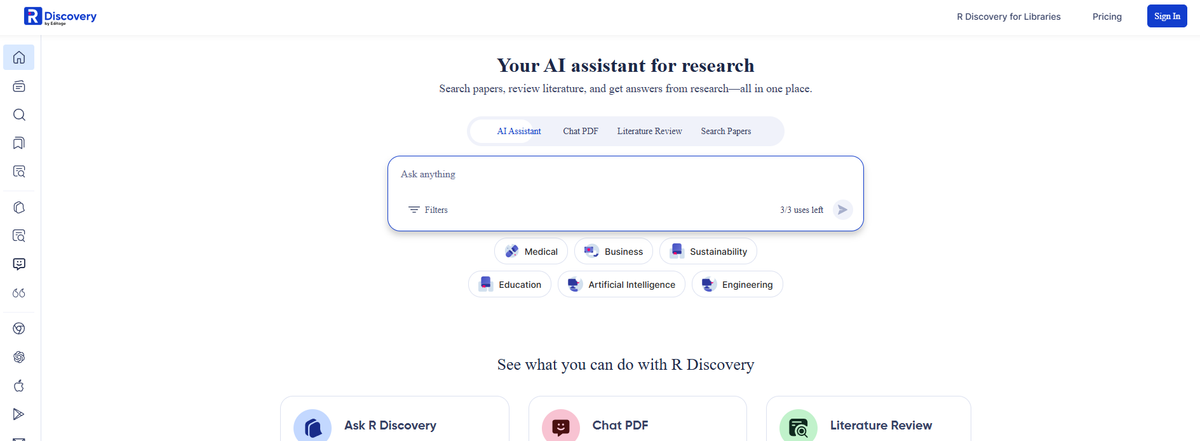
I see R Discovery as a research-reading companion rather than a tool for one large report. After selecting a few topics, users receive personalised paper recommendations and alerts. This removes the need to repeat the same search every week.
The mobile experience is another practical strength. Papers can be saved, translated or played as audio. Users can also connect institutional access to open subscribed content. Prime adds unlimited audio, translation, collaboration and reference-manager synchronisation.
R Discovery reports 93% positive feedback on recommended papers. I would treat that as a recommendation-satisfaction figure. It is not proof that 93% of its summaries or answers are factually correct.
I would use R Discovery to follow an active research field and build a regular reading habit. For a systematic review, I would pair it with a tool that offers formal screening and evidence extraction.
Which AI Research Tool Should You Choose?
The right tool depends on the type of research you are doing. I would not choose one platform simply because it has the most features. A focused tool often performs better when the research task is clear.
Best for general web research: ChatGPT Deep Research
I would choose ChatGPT Deep Research for a complex topic that requires information from many websites. It is useful for market research, competitor analysis and detailed reports. The research plan also helps me control the scope before the tool starts collecting information.
Best for fast answers with citations: Perplexity
Perplexity is my preferred option when speed matters. It gives a direct answer and places citations beside the relevant claims. This makes it useful for initial research, fact discovery and quick comparisons.
Best for analysing your own documents: Gemini Notebook
Gemini Notebook is a stronger choice when the research material is already available. I can upload papers, reports or notes and ask questions about that specific collection. It is more controlled than an open-web search because the answers stay grounded in the supplied sources.
Best for literature reviews: Elicit
I would use Elicit when I need to screen papers and compare evidence. Its tables make it easier to organise study methods, sample sizes and findings. This can save time during the early stages of a literature review.
Best for scientific questions: Consensus
Consensus works well for focused questions that can be answered through published studies. I find it useful when I want a quick view of the available evidence before reading the individual papers.
Best for checking citations: Scite
Scite is the tool I would use after finding an important paper. It shows whether later studies support, contrast or simply mention the original research. This gives more context than a normal citation count.
Best for reading difficult papers: SciSpace
SciSpace is useful when a paper contains technical language or unfamiliar methods. I can ask questions about the PDF and compare findings across several studies. It also supports writing and evidence extraction in the same workspace.
Best for discovering related papers: ResearchRabbit
I would choose ResearchRabbit when keyword searches stop producing useful results. Its citation maps can reveal related authors, papers and research clusters that may be difficult to find through a standard search engine.
Best for exploring one seed paper: Connected Papers
Connected Papers is a practical choice when I already have one relevant study. It builds a visual graph around that paper and shows earlier or later work connected to the same topic.
Best free academic search engine: Semantic Scholar
Semantic Scholar is my recommendation for users who need a free starting point. It covers a large academic database and includes citation tracking, paper alerts and research feeds.
Best for ongoing literature monitoring: Litmaps
I would use Litmaps for a project that lasts several months. Its alerts can notify me when new papers connect with an existing literature map. This helps the research stay current.
Best for summarising papers: Scholarcy
Scholarcy is useful when I need to screen a large reading list. Its structured flashcards highlight findings, methods and references. I still read the original paper before using the information in formal work.
Best for academic writing: Paperpal
Paperpal is a better fit after the main research is complete. It helps improve academic language, organise citations and check a manuscript before submission.
Best for personalised paper recommendations: R Discovery
I would choose R Discovery to follow a research topic over time. Its personalised feed works well for researchers who want regular paper recommendations without repeating the same searches.
In practice, I usually prefer a combination of tools. One platform can discover sources while another checks citations or organises evidence. This creates a stronger workflow than relying on one AI research assistant for every task.
Best AI Research Tool Combinations for Different Users
I rarely rely on one AI tool for an entire research project. Each platform handles a different part of the process. A stronger workflow usually combines discovery, analysis and verification.
Best research stack for students
I would combine Perplexity, Gemini Notebook, Semantic Scholar and Paperpal.
Perplexity helps with initial topic exploration. Semantic Scholar is useful for finding academic papers without paying for another search tool. I can then upload selected sources to Gemini Notebook and ask questions based on that material.
Paperpal fits at the final stage. It can improve academic language and help organise citations. Students should still check their university’s AI policy before using generated or edited text in an assignment.
Best research stack for PhD students
My preferred combination would be Elicit, ResearchRabbit, Scite and SciSpace.
Elicit can help screen papers and organise evidence. ResearchRabbit expands the search through citation networks. I would then use Scite to check how important papers have been discussed by later studies.
SciSpace becomes useful when the reading stage begins. It can explain complex papers and extract information from PDFs. This four-tool combination covers discovery, mapping, validation and analysis.
Best stack for systematic literature reviews
I would start with Elicit for structured searches and paper screening. Scite can add citation context. Litmaps is useful for finding connected studies and monitoring newly published work.
No AI platform should be the only search method for a publishable systematic review. I would also use the relevant academic databases for the subject area. Search terms, inclusion criteria and exclusion decisions should be documented manually.
Best stack for market and competitor research
For commercial research, I would use ChatGPT Deep Research, Perplexity and Gemini Notebook.
Perplexity is useful during the first round of discovery. ChatGPT Deep Research can then build a broader report from multiple sources. I would place reliable reports, company documents and saved webpages inside Gemini Notebook for closer analysis.
This workflow helps separate open-web research from source-grounded analysis.
Best stack for writers and content researchers
I would combine Perplexity, Consensus, Scholarcy and Paperpal.
Perplexity can identify recent sources and statistics. Consensus is useful when an article needs claims supported by scientific studies. Scholarcy can shorten long papers during the screening stage.
Paperpal can assist with citations and final language checks. However, writers should open every source before publishing a statistic or quotation.
Best stack for medical and scientific research
I would use Consensus, Elicit, Scite and Semantic Scholar.
Consensus provides a fast overview of a scientific question. Elicit can organise evidence from several papers. Scite helps identify whether a study has received supporting or contrasting citations.
Semantic Scholar adds broader paper discovery at no cost. Medical decisions should never be based only on an AI-generated summary.
Best stack for ongoing research monitoring
I would combine R Discovery, Litmaps and ResearchRabbit.
R Discovery creates a personalised feed based on selected interests. Litmaps can send alerts when new studies connect with an existing research map. ResearchRabbit helps explore authors and citation networks.
This stack is useful for topics that continue to develop over several months or years.
Best free AI research stack
A practical free combination is Semantic Scholar, ResearchRabbit, Gemini Notebook and the free version of Perplexity.
Semantic Scholar covers academic discovery. ResearchRabbit provides citation mapping. Gemini Notebook can analyse a limited source collection. Perplexity handles quick web questions with citations.
The free plans have usage limits, but this combination can still support a complete basic research workflow.
I recommend choosing no more than three or four tools at the beginning. Too many platforms can create duplicate work and scattered notes. The best research stack is the one that improves the process without making it harder to manage.
How Much Do AI Research Tools Cost in 2026?
I checked the available pricing on 27 July 2026. Most AI research tools offer a free starting point. Individual subscriptions usually cost between $10 and $25 per month. Tools built for systematic reviews or high-volume research can cost $39 to $200 per month.
Prices below are listed in US dollars. Taxes, regional discounts and promotional offers may change the final amount.
Typical AI research tool costs
| Budget level | Typical cost | Examples | Best for |
|---|---|---|---|
| Free | $0 | Gemini Notebook, Semantic Scholar, ResearchRabbit Free, Elicit Basic and limited versions of ChatGPT or Consensus | Students, occasional research and testing |
| Low-cost | $10–$20 per month | ResearchRabbit+, Litmaps Pro, Elicit Plus, Consensus Pro and ChatGPT Plus | Regular individual research |
| Professional | $25–$65 per month | Paperpal Prime, Elicit Pro and Consensus Deep | Academic writing, systematic reviews and evidence-heavy work |
| Power-user | $89–$200 per month | Elicit Scale, ChatGPT Pro and Perplexity Max | High-volume research, teams and frequent complex reports |
ResearchRabbit+ costs $12.50 per month or $120 per year. Its annual option works out to $10 per month. Litmaps also lists an academic Pro plan at $10 per month with annual billing. Both platforms provide free plans for smaller literature reviews.
Elicit has one of the widest pricing ranges. Basic is free. Plus costs $11 per user per month when billed annually. Pro costs $39 per month with annual billing and supports systematic-review workflows. Scale costs $89 per month when paid annually.
Consensus Pro costs $20 per month or $144 per year. Paying annually reduces the effective monthly cost to $12. Its Deep plan costs $65 monthly or $540 annually. I would only consider Deep when 15 monthly Deep Reviews are not enough.
ChatGPT Plus costs $20 per month and includes expanded Deep Research access. ChatGPT Pro costs $200 per month. In my opinion, Plus offers enough research capacity for most individual users. Pro makes more sense when Deep Research and advanced models are part of daily professional work.
Perplexity also has a free plan. Education Pro costs $10 per month for verified students and educators. Its Max plan costs $200 monthly or $2,000 annually. I would not pay for Max only to run occasional cited searches. It is designed for people who need the highest research limits and advanced creation tools.
Paperpal Prime costs $25 per month. The annual subscription costs $139, which works out to around $11.58 per month. This is a better value when academic writing and manuscript checks are needed throughout the year.
When a free plan is enough
I would stay with free tools when I am:
- Exploring a new research topic
- Working on a short student assignment
- Reading a small number of papers
- Building an initial citation map
- Testing whether a platform fits my workflow
- Running research only a few times each month
ResearchRabbit provides unlimited searches and collections on its free plan. The main seed-paper limit is 50 articles. Elicit Basic includes unlimited searches across more than 138 million papers, although its advanced research usage is limited.
When paying for a research tool makes sense
I would upgrade when a free limit begins to interrupt repeated work. Paid plans become more useful when I need larger paper-screening limits, more research reports, unlimited maps or regular document analysis.
A subscription can also make sense when it replaces several hours of manual work each month. However, I compare the annual cost before upgrading. A $20 monthly tool costs $240 per year. Using three separate paid tools can quickly push the yearly research-software budget above $500.
What I would pay for
For general research, I would begin with one $20 subscription. ChatGPT Plus or a comparable research plan should cover most web-based tasks.
For academic research, I would spend money on the part of the workflow that creates the biggest delay. Elicit may be worth paying for when paper screening takes too long. Litmaps or ResearchRabbit+ makes more sense when literature discovery is the problem. Paperpal fits better when writing and manuscript preparation consume the most time.
I would not subscribe to several tools at the beginning. I would use their free plans first. After one or two projects, it becomes easier to see which paid feature saves enough time to justify the cost.
Final Word
After reviewing these 14 tools, I do not think one platform can handle every part of the research process equally well. Each tool has a clear strength.
For broad web research, my top choice is ChatGPT Deep Research. It works well when I need a structured report from many sources. Perplexity is better when I want a faster answer with visible citations.
For academic work, I would choose Elicit for literature reviews and evidence extraction. SciSpace is useful for reading difficult papers. Scite adds an important verification step because it shows how later studies have cited a paper.
Researchers who need a free starting point can use Semantic Scholar. It provides paper discovery, citation data and research alerts without a paid subscription. For visual paper discovery, ResearchRabbit and Litmaps are stronger choices.
My main recommendation is to avoid depending on one AI research assistant. I prefer using one tool for discovery, another for analysis and a third for citation checking. This creates a more reliable workflow.
AI can reduce the time spent searching, screening and organising information. It cannot guarantee that every source is reliable or every conclusion is correct. I still open the original paper before using an important claim. That final check is what separates faster research from careless research.


 Hamidul Haque
 Aug 23, 2026