Most website copy isn't bad because the writer lacked talent. It's bad because nobody checked it against the right questions before it went live. A headline that sounded clear in a doc turns vague on the page, the button says "Submit," and the proof sits three scrolls away from the decision.
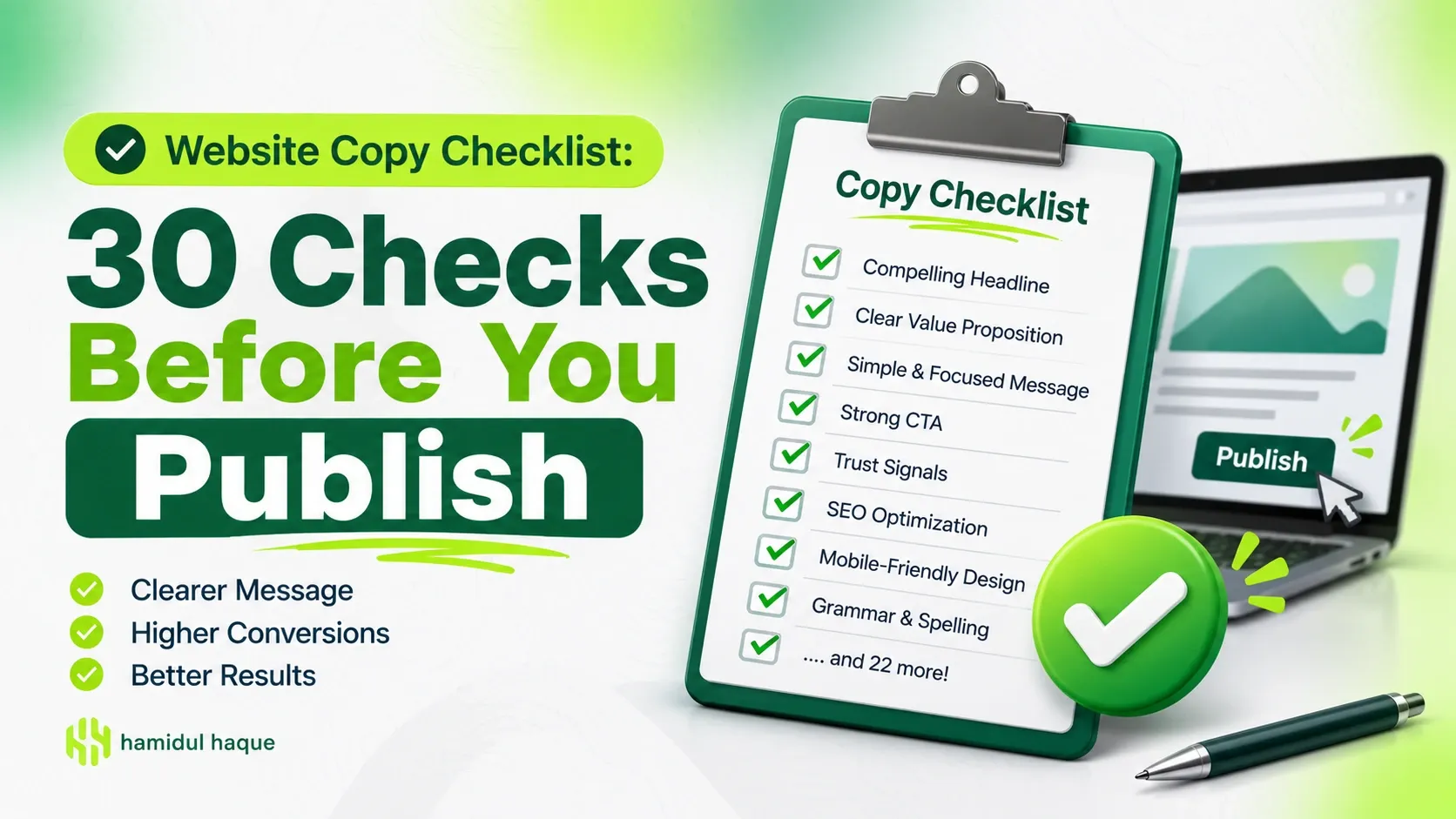
This website copy checklist gives you 30 checks to run before you publish any page: homepage, service page, landing page or about page. It's built for conversion and clarity rather than rankings, and you can copy the full checklist as a free Google Sheet to reuse on every project.
Why Use a Website Copy Checklist?
People don't read web pages the way they read a book. In a 2008 analysis, Nielsen Norman Group estimated that visitors read about 20% of the words on an average page, and at most 28%. Their earlier research found that 79% of test users scanned new pages instead of reading word by word.
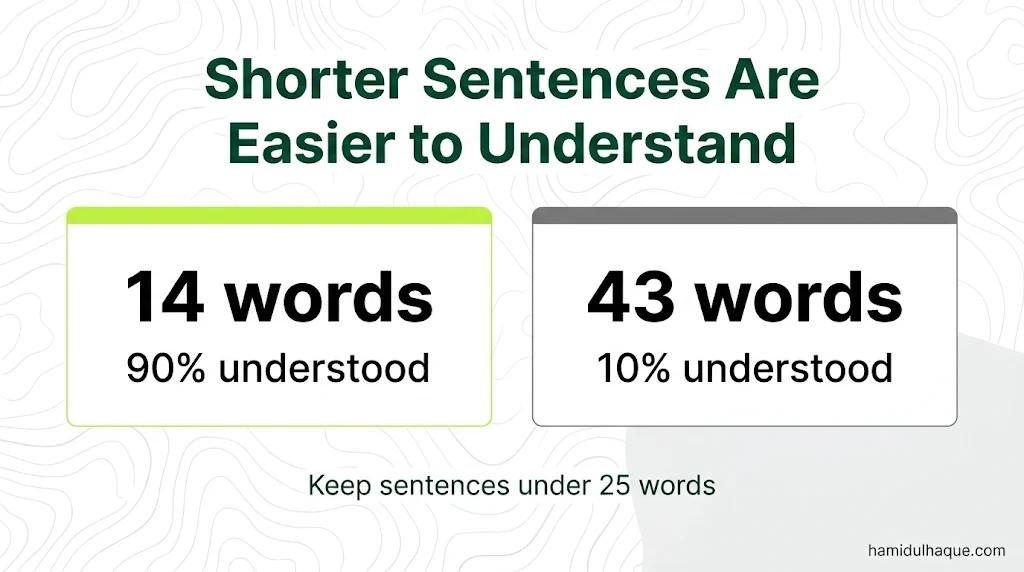
Sentence length matters too. The GOV.UK content team limits sentences to 25 words, citing research that readers understand more than 90% of what they read at an average of 14 words per sentence, but less than 10% at 43 words.
A checklist turns those findings into habits. Instead of hoping the copy works, you confirm each part does its job before visitors see it.
How to Use This Checklist
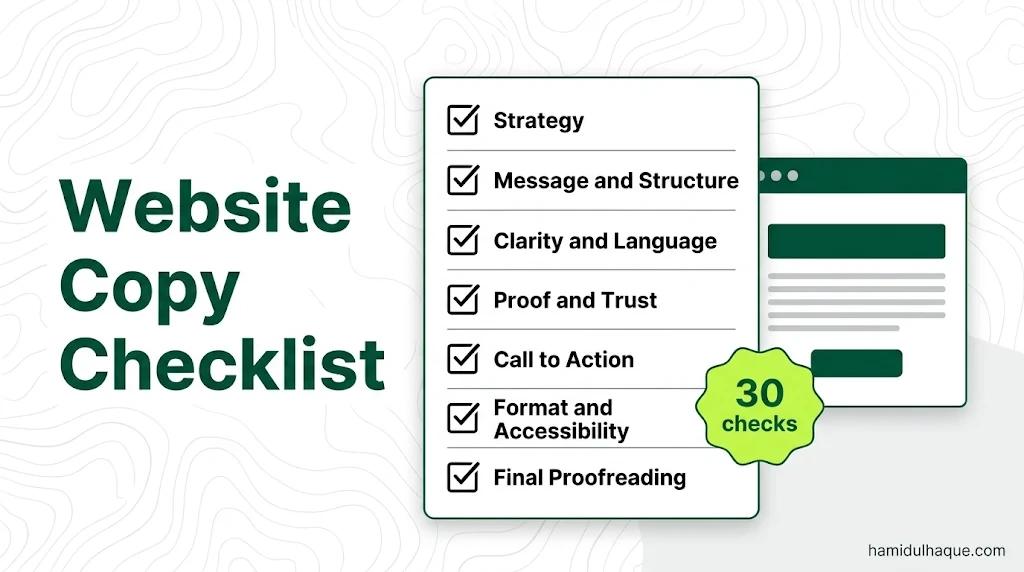
Run the checks in order. The early sections catch big problems, such as the wrong goal or a missing value proposition, that no amount of proofreading can fix. The last sections polish what's already working.
| Section | What it checks | Checks |
|---|---|---|
| Strategy | Goal, audience, message match and objections | 1–5 |
| Message and structure | Headline, value proposition and page order | 6–10 |
| Clarity and language | Sentence length, jargon and benefits | 11–16 |
| Proof and trust | Evidence, testimonials and transparency | 17–20 |
| Call to action | Button text, placement and reassurance | 21–24 |
| Format and accessibility | Mobile, contrast, links and alt text | 25–28 |
| Final proofreading | Facts, links and consistency | 29–30 |
Get the Free Website Copy Checklist
All 30 checks in a Google Sheet with tick boxes and a notes column. Make your own copy and run it on every page before you publish.
Copy the Checklist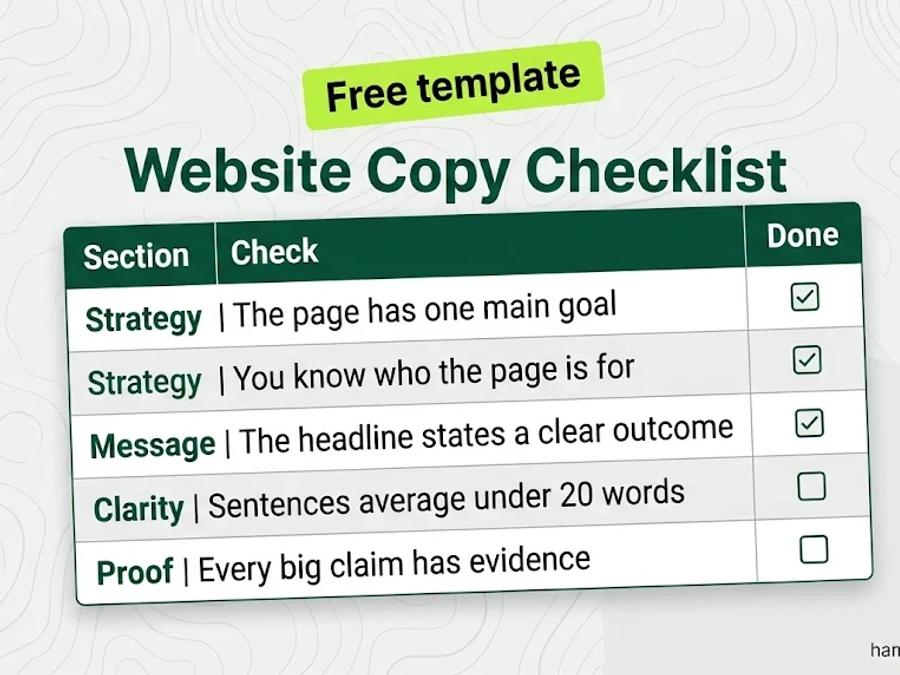
Strategy Checks (Before You Write)
- 1. The page has one main goal. Write it down in one sentence: "Get visitors to book a call." Every section should support that goal.
- 2. You know who the page is for. Name the reader and their situation. "Small agency owners who lose leads to slow follow-up" is useful; "businesses" isn't.
- 3. The copy uses the reader's words. Pull phrases from reviews, sales calls, support emails and forums. Visitors recognise their own language faster than yours.
- 4. The page matches the promise that brought visitors there. If an ad or search result says "invoicing for freelancers," the headline should say the same thing.
- 5. You've listed the top three objections. Price, time, trust or switching effort. Each one needs an answer somewhere on the page.
Message and Structure Checks
- 6. The headline states a clear outcome or names the reader. If a competitor could use it without changing a word, it's too generic. My guide to hero section design shows how to build the first screen around it.
- 7. The value proposition is visible without scrolling. A visitor should know what you offer, who it's for and why it's different within a few seconds.
- 8. The sections follow the order people decide. Problem, solution, proof, then the ask. The AIDA formula is a simple way to check the sequence.
- 9. Each section has one job. If a section tries to explain features, tell your story and push a discount at once, split it up.
- 10. Subheadings tell the story on their own. Read only the headings. If they make sense in sequence, scanners will follow the page too.
Clarity and Language Checks
- 11. Sentences average under 20 words. Break up anything longer than 25, following the GOV.UK guidance above.
- 12. Paragraphs are one to three sentences. Short blocks are easier to scan, especially on phones.
- 13. Jargon is removed or explained. If your customer wouldn't say it out loud, rewrite it.
- 14. Benefits come before features. "Get paid in days" before "automatic reminder engine." The FAB formula shows you how to turn any feature into a benefit.
- 15. Filler is cut. Delete "very," "really," "in order to," "we are proud to" and openers that don't add meaning.
- 16. You've read the page aloud. Anything you stumble over, the reader will too.
Proof and Trust Checks
- 17. Every big claim has evidence. Numbers, case studies, screenshots or named testimonials. Adjectives like "world-class" aren't proof.
- 18. Social proof sits near the decision. Put a testimonial or logo row close to the main button, not only at the bottom of the page.
- 19. Testimonials are specific. "Our response time dropped from two days to two hours" beats "Great service!" Use real names and context where you have permission.
- 20. Pricing or next steps are transparent. If you can't show prices, explain how pricing works and what happens after someone gets in touch.
Call to Action Checks
- 21. There is one primary call to action. Secondary options are fine, but they should look secondary.
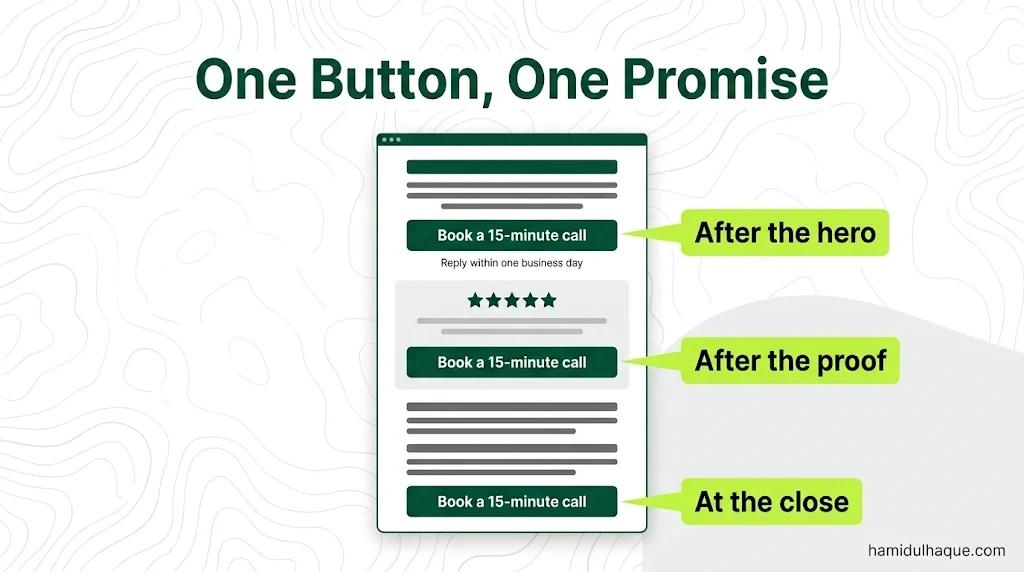
- 22. Button text says what happens next. "Book a 15-minute call" beats "Submit." My list of call to action examples has 25 options to adapt.
- 23. The CTA repeats down the page. Use the same action after the hero, after the proof and at the close, as I explain in my website copywriting guide.
- 24. The last doubt is answered under the button. A short line like "No credit card needed" or "Reply within one business day."
Format, Mobile and Accessibility Checks
- 25. The page reads well on a phone. Check that the headline, a line of support copy and the button appear on the first mobile screen.
- 26. Text has enough contrast. WCAG recommends at least 4.5:1 for normal text.
- 27. Links and buttons describe their destination. Replace "click here" and "learn more" with labels that say where the link goes.
- 28. Images have useful alt text. Describe what the image shows and why it matters on the page.
Final Proofreading Checks
- 29. Names, prices, dates and links are correct. Click every link and check every number against its source. Then search the page for leftover lorem ipsum or other placeholder text.
- 30. Spelling, style and punctuation are consistent. Pick one spelling (US or UK), one format for numbers and one style for headings, then apply it everywhere. A spellcheck tool helps, but read the final version yourself.
Page-by-Page Checks
The 30 checks apply to every page, but each core page has an extra job:
| Page | Its main job | Extra check |
|---|---|---|
| Homepage | Explain what you do and route visitors | Value proposition and main paths are clear above the fold |
| About page | Build trust in the people behind the offer | Your story connects to the reader's goal, not just your history |
| Service page | Turn interest into an enquiry | Benefits, process, pricing guidance and a 'right for you if' section |
| Landing page | Get one specific action from one audience | No navigation or offers that compete with the main CTA |
| Contact page | Make getting in touch effortless | Short form, response time and an alternative way to reach you |
Need the Page to Rank Too?
This checklist focuses on whether the copy is clear, persuasive and ready to convert. It only touches search basics. If you're also writing to rank, run my SEO copywriting checklist as well: it covers search intent, keywords, entities, headings and meta tags in detail.
The two work best together. Use the SEO checklist while planning and writing, then use this one as the final review before you hit publish.
Final Thoughts
Good website copy rarely comes from one brilliant draft. It comes from checking the same essentials every time: one goal, a clear promise, proof near the decision, a specific call to action and sentences people can actually read.
Copy the free checklist, run it on your next page, and fix the first section that fails. If you'd like an expert review instead, my conversion audit checks your copy, structure and CTAs and shows you what to fix first. If the page needs a full rewrite, take a look at my SEO copywriting service. If you're budgeting first, here's what website copywriting costs in 2026.


 Hamidul Haque
 Nov 23, 2026